01
Upload the set
Put the commercial PDF on the Project. When the addendum arrives, add that file to the same Project. The other office is not hunting an emailed copy.
Commercial preconstruction
Takeoff software built to save time. Simple real time collaboration for large to small organizations and teams. Google Docs for PDF markups.
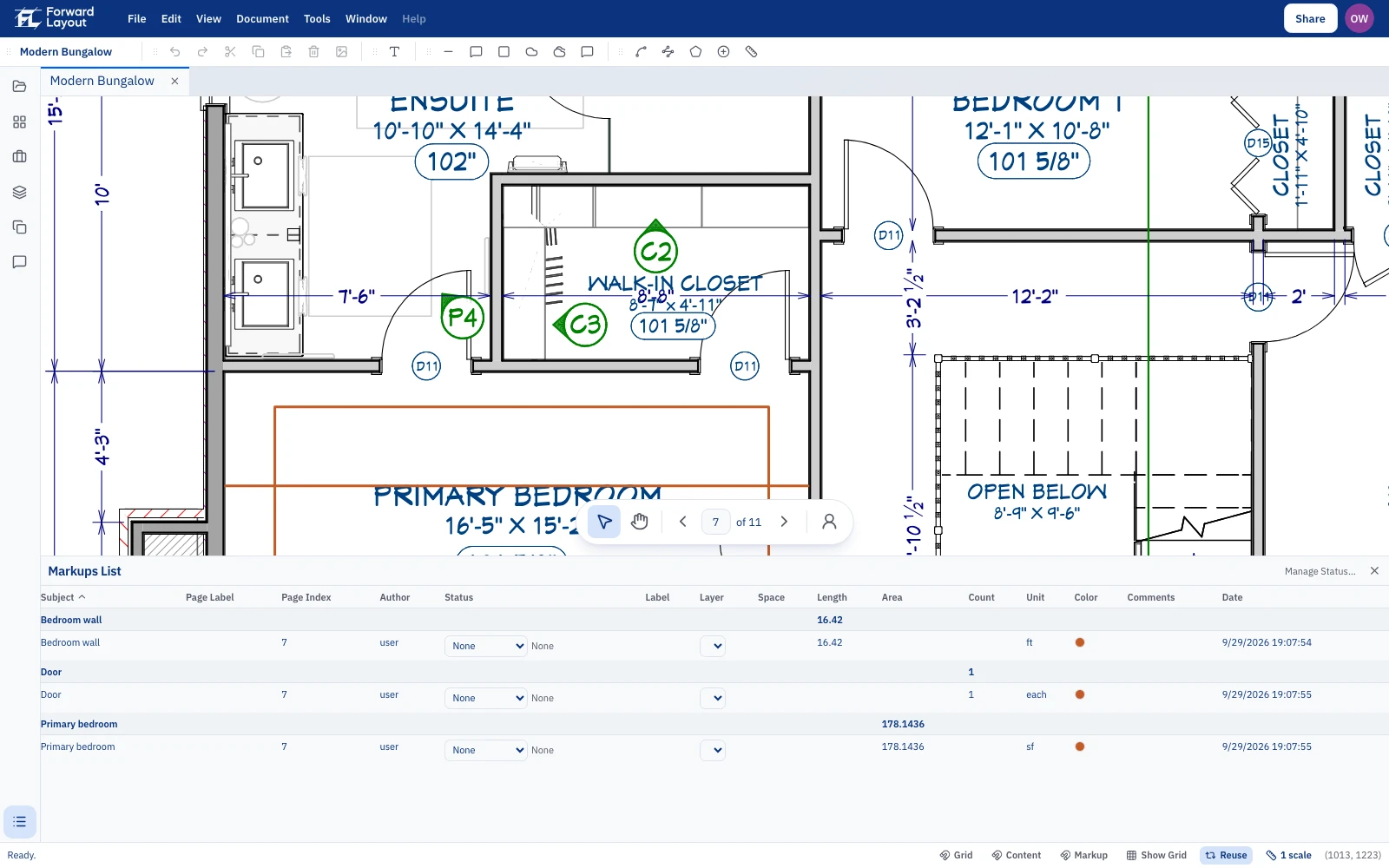
You self-perform one scope and subcontract another, often on the same bid. A desk that only knows one trade makes you rename the export before anyone can price it. You type the Subject. The list and the CSV use that name.
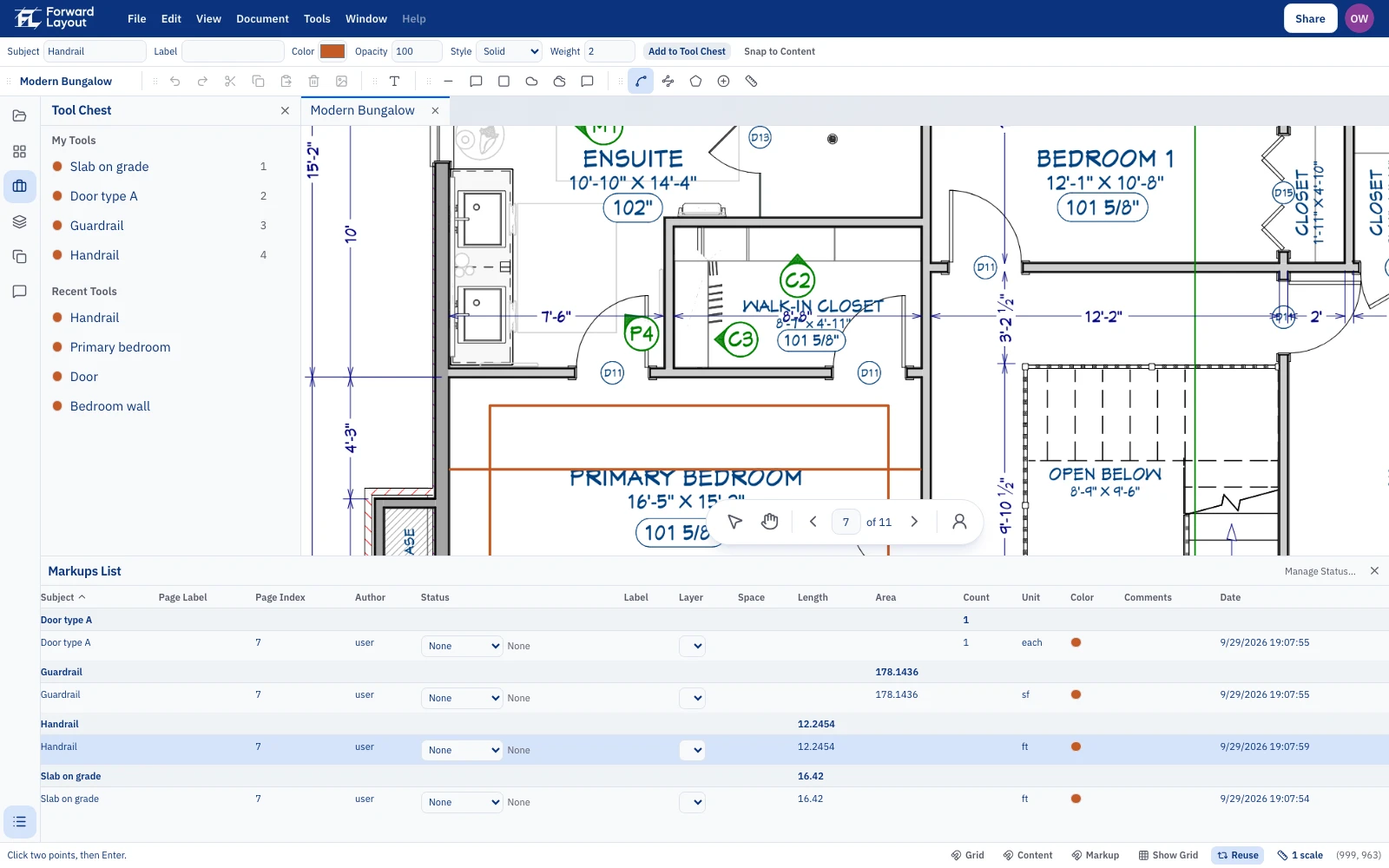
Type the name your estimating file already uses. Markups List groups the totals under it, so pricing does not start with a translation. Save that Subject on a Tool Chest tool on this desk and the next Length, Count, or Area starts with the name filled in. A Takeoff profile keeps those measure tools on the desk and can hide the ones you are not using.
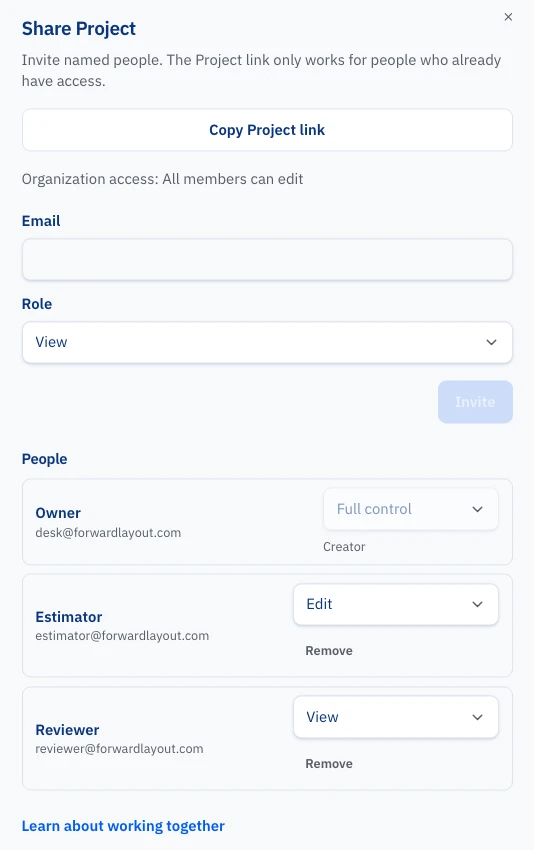
An Organization holds the Projects. Invite the precon team with View or Edit, including someone in another office, from Share. A sub or a consultant can join this Project as a guest without sitting in the company directory. Revoke access when the bid is over. There is no Session to start.
Bring the set and the quantity template your team already uses. Where that template needs a name, a column, or a step the desk does not have, we change the software so the step is on the desk. You do not rebuild the estimate around a fixed list. We do not price the job.
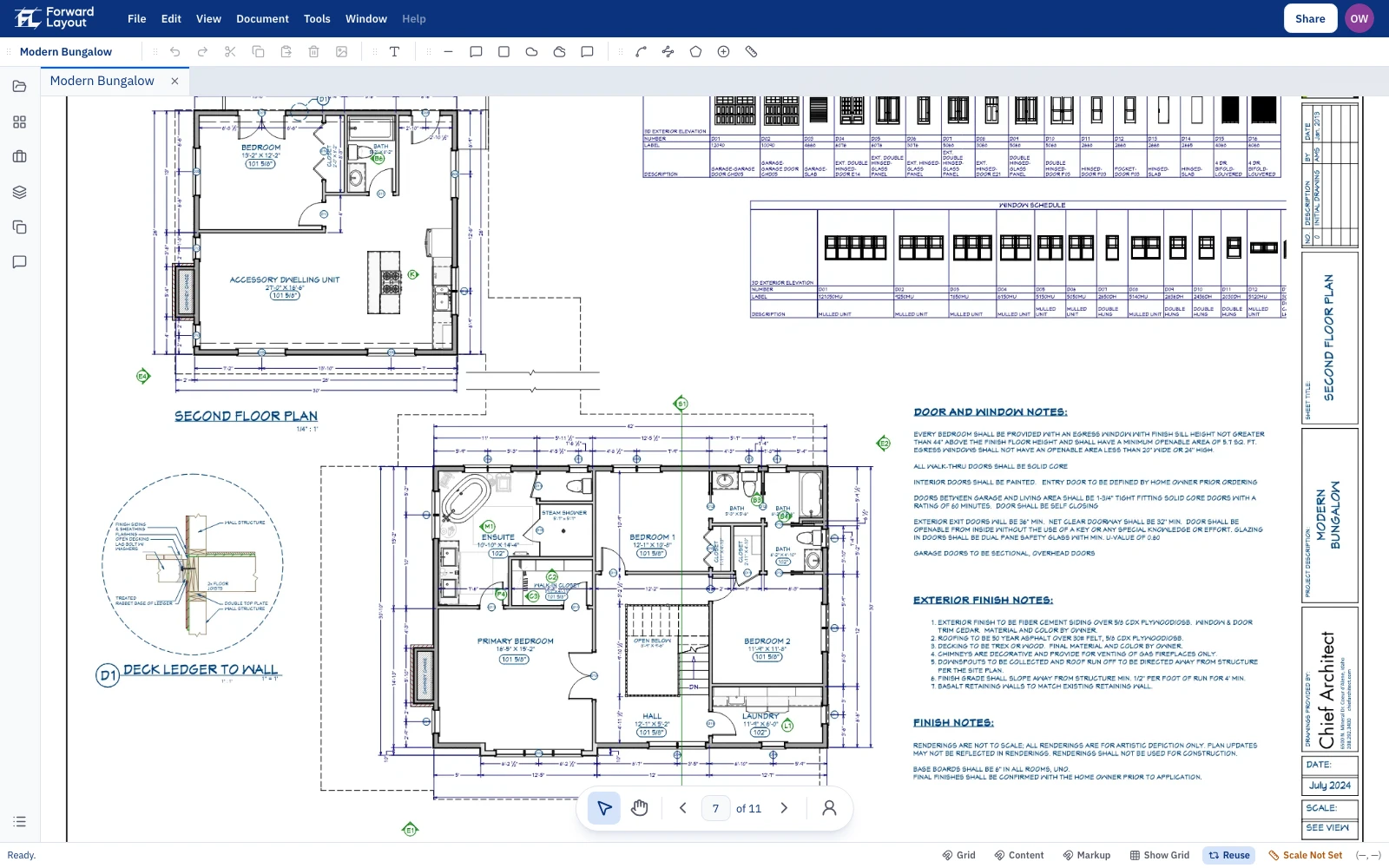
The desk reads the scale, keeps one set for the team, and exports the list. You still confirm the dimension, and you still measure.
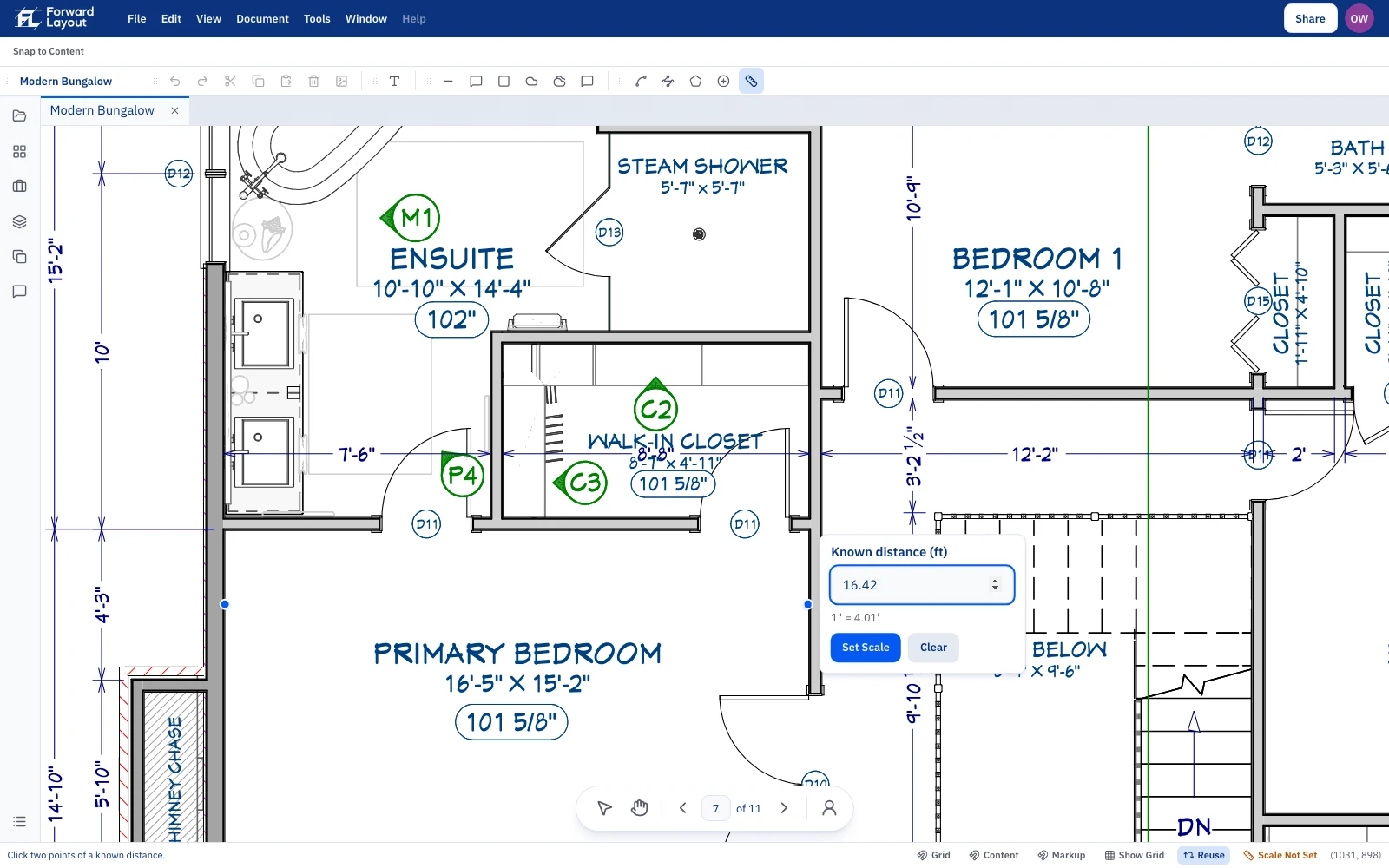
Typing the scale on every sheet of a large set is the first hour you do not get back. The desk reads viewports, scale text, and scale letters drawn as lines (scale detection). You confirm one known dimension. Skip that check and every length and area on the sheet is a guess.
Subject is the line your estimate already has. Markups List totals group by that name. Guardrail and handrail stay separate when your estimate separates them. You are not renaming a generic export the night the number is due.
Put the PDF on a Project. Someone in another office opens that Project instead of a file in email. Two people with Edit can measure at the same time. The Markups List is the same list.
Export a CSV with Subject, page, length, area, count, and unit. Drop it into the workbook you already price. The page stays on the row, so a question in the pricing meeting goes back to the sheet.
Open the same login in the browser or the Mac or Windows app. After you have opened a Document, keep measuring if the connection drops. The first open of a new PDF still needs a connection.
Preconstruction is not short of a place to type a price. It is short of a quantity the estimator and the person in the other office can both point at on the sheet.
The same desk covers a self-perform scope and a subcontract scope. You name each one. You do not keep a second tool for the second trade.
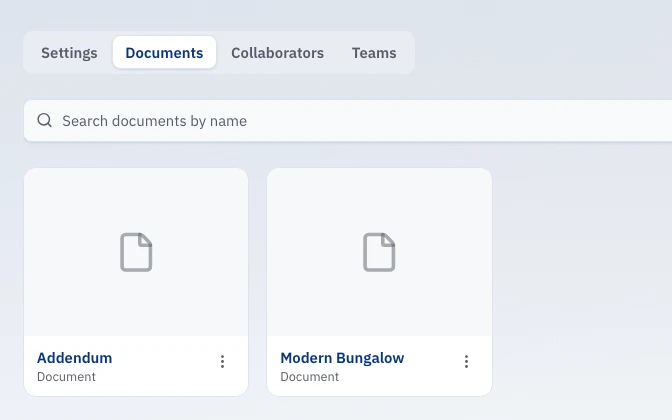
When the addendum changes a sheet, you open that page, adjust the measures, and export again. You are not rebuilding the quantity file from a PDF someone emailed at 4pm.
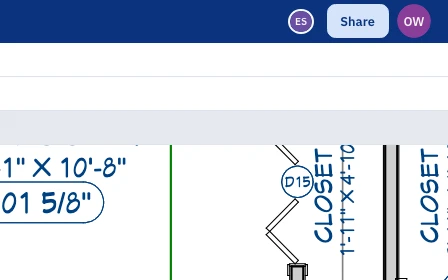
Anyone with Edit can measure while you do. You are not merging two markup files before the pricing meeting, and you are not waiting on one Windows install in one office.
Every CSV row carries the page. In a value-engineering review, or when a superintendent asks where the number came from, you open that sheet. You still decide what is in the bid.
Four steps from the PDF to a CSV your estimators can price. The desk reads the scale when you open the sheet, including each AutoCAD viewport and scale letters drawn as lines (scale detection). You confirm a known dimension, measure in your Subject names, and export rows for the workbook. The addendum is a change on the page, not a new spreadsheet.
01
Put the commercial PDF on the Project. When the addendum arrives, add that file to the same Project. The other office is not hunting an emailed copy.
02
The desk has already read the scale on the sheet, including each viewport. Confirm a known dimension before you trust a length or an area. One bad scale on a large set is a bad quantity in the estimate.
03
Length, Polylength, Count, and Area on the page. Set the Subject to the line your estimate already has. Totals update in the Markups List while you are still on the sheet.
04
CSV with the page on every row. Your estimating group prices it in the workbook they already use. Takeoff stays quantities.
Request access with a PDF your team would take off this month, and the breakdown already in your estimate. We run calibrate, measure, and CSV on that set, in your names. If the template needs a step the desk does not have, that is the change we make.
Request AccessHow the desk finds the scale on the sheet (scale detection), who can open a Project and who can measure, how that works in the browser or a Mac or Windows app after the link drops, and why the CSV is quantities rather than a price.
Request access with the PDF and the quantity template. We set the desk up around that template, including the step it does not have yet. You measure on the page. Your estimators price the CSV. No public list price.